Create an Evolution Platform project
An Evolution Platform project is required to use Evolution Platform console features and Evolution Platform API.
- In the Evolution Platorm console, go to Menu >Management>Identity & Access Management. The following page is displayed:

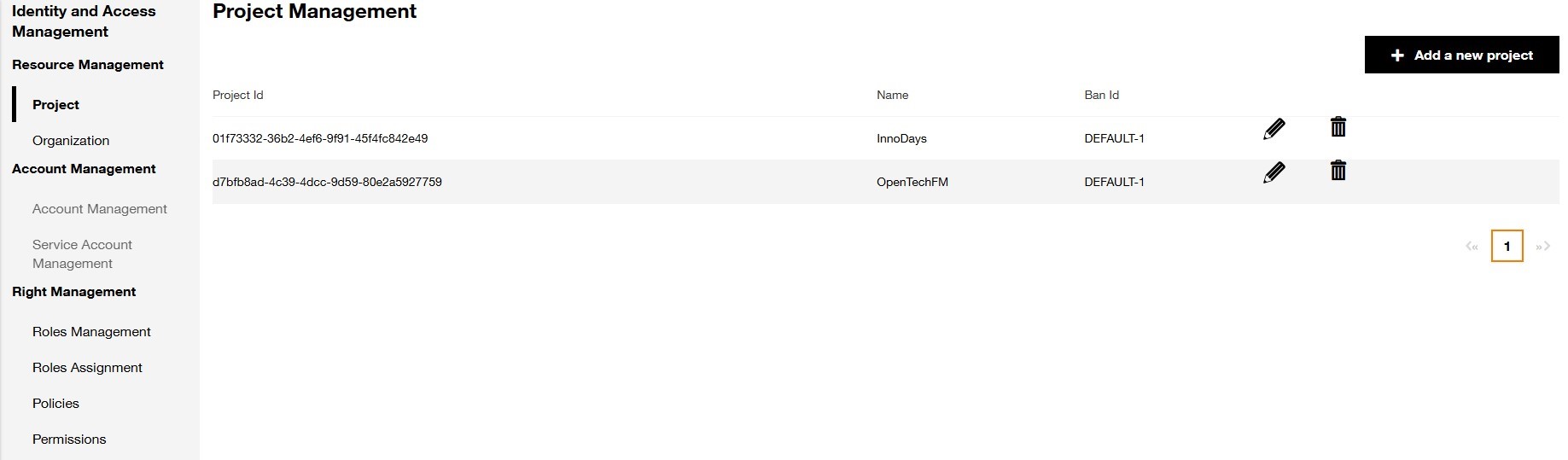
- Click on Add a new project button, the following page is displayed :
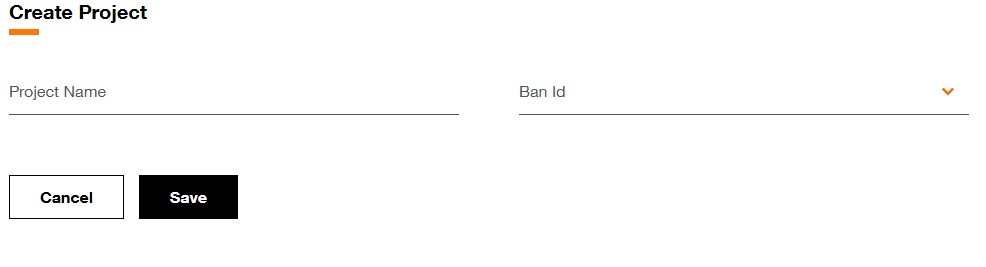
- In the Project Name field, enter a descriptive name for your project.
- In the BAN ID field (BAN=Billing Account Number that Orange Business has created to invoice your company) pick the default BAN your want to use for this project from the list of the registered accounts,
- Click Save. The Evolution Platform console navigates to the Project Management Dashboard page and your project is created within a few seconds.