VPN details
After clicking on the three dots in the row on the right, click on "See details."

This page is displayed:
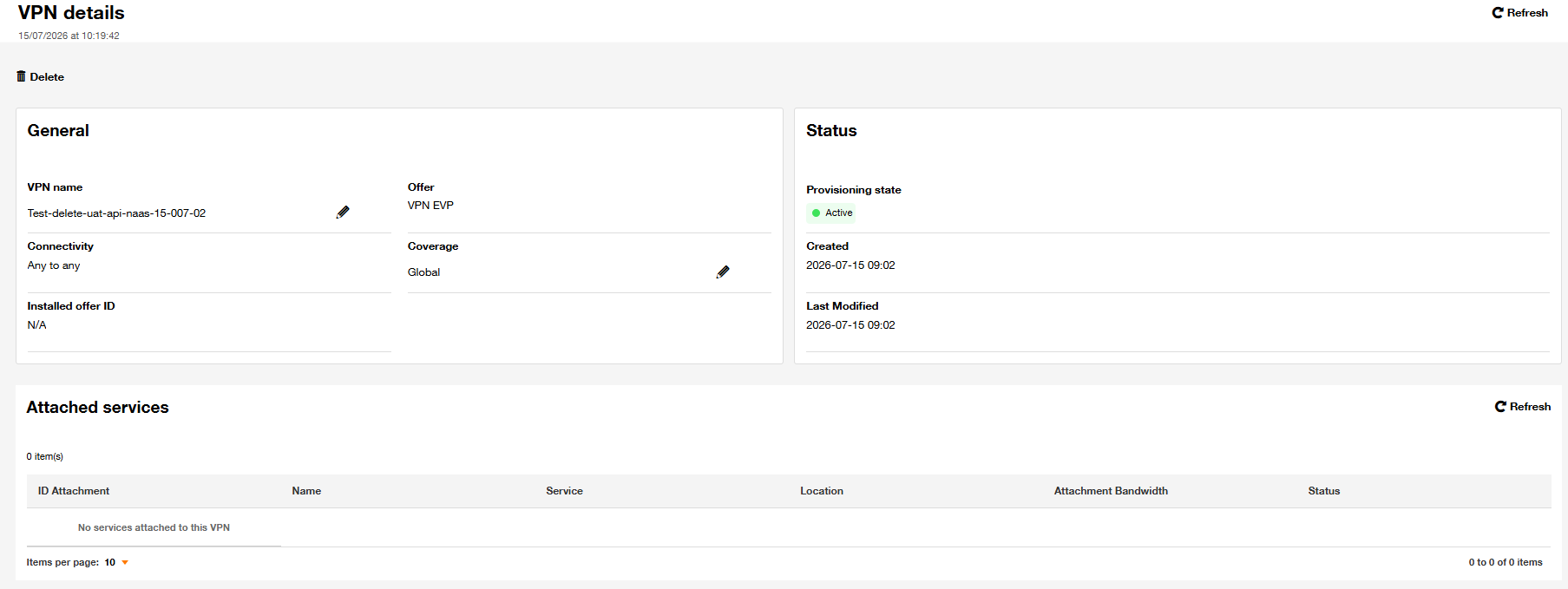
This section "VPN details" allows you to visualize all the configuration and the status of a VPN.
In addition to general parameters you provided such as VPN name, coverage… etc., you can find here:
- Installed offer ID: Commercial offer identifier
- The creation date of VPN
- The last modification date of the VPN parameters
- The list of attachments to this VPN